A key customer asks a question no one can answer quickly: Who last spoke with them? What was promised? Is the renewal at risk? The answer may be buried in an inbox, a spreadsheet, a sales rep’s notes, or a project tool. That is the real decision behind account management software versus CRM. It is not simply a choice between two categories. It is a choice about how clearly your business can see, coordinate, and strengthen its customer relationships.
The terms are often used interchangeably because both systems organize customer information. Yet their center of gravity is different. Account management software is typically designed around the ongoing stewardship of established business relationships. A CRM is designed to create a broader, shared record of relationships across the customer lifecycle, from an early prospect through an active account and beyond.
For some teams, a focused account tool is exactly enough. For others, it creates another place to look for the full story. The right answer depends on how your company sells, serves, and grows.
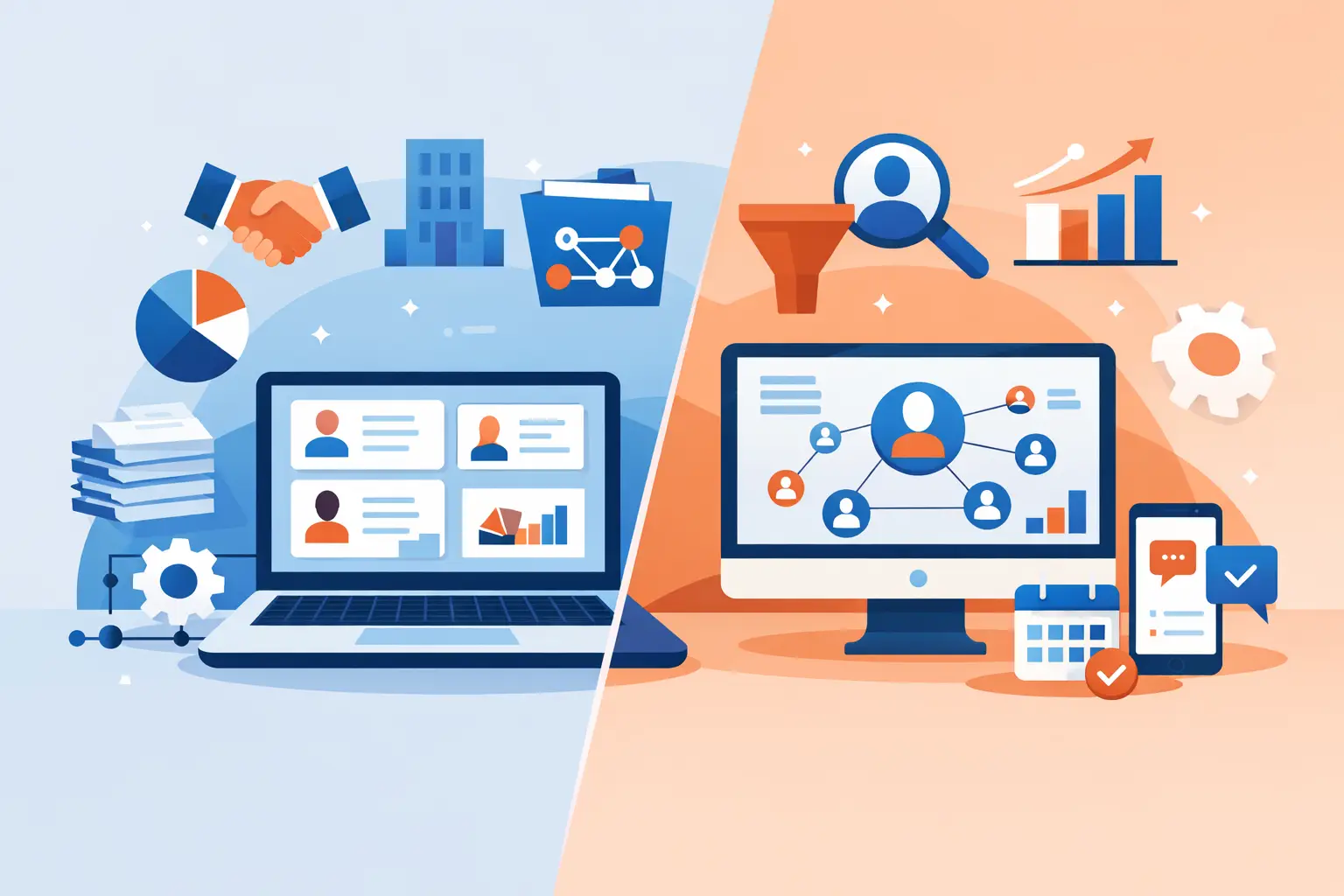
Account Management Software Versus CRM: The Core Difference
Account management software centers on the account itself. Its purpose is to help account managers understand the organizations they own, the people involved, active commitments, commercial history, service needs, renewals, and next steps. It is especially relevant after a customer has signed.
A CRM has a wider mandate. It brings accounts, contacts, opportunities, activities, and relationship history into one system so sales, account management, customer success, leadership, and operations can work from the same foundation. A CRM can support account management, but account management is only one part of its role.
The distinction matters because business relationships do not reset when a deal closes. The conversation that begins in sales often shapes implementation, expansion, renewal, and referrals. If the pre-sale context lives in one tool and the customer relationship lives in another, the handoff can become an information gap. Customers feel that gap even when internal teams do not see it immediately.
What account management software does well
A dedicated account management platform often gives client-facing teams a more focused workspace. It may prioritize account plans, relationship maps, customer health indicators, renewal dates, service reviews, and action items. For a business with a mature book of clients and a small number of people responsible for each one, that focus can be valuable.
It can also be easier to adopt when the team’s main need is consistent account reviews. A manager can open a customer record, see commitments and priorities, and prepare for the next conversation without navigating a large sales process.
The trade-off is scope. If the tool does not also hold prospect history, contact records, pipeline context, and company-wide activity, teams may still rely on separate systems to understand the relationship in full. That can reintroduce the administrative friction the software was meant to remove.
What a CRM does well
A CRM creates a central business record. It connects companies to the people within them, records calls and meetings, tracks commercial activity, and gives teams a consistent place to maintain relationship data. The best CRM experience is not a database people update reluctantly. It is a clear, practical view of who matters, what is happening, and what should happen next.
This broader view is particularly useful when multiple teams touch the same customer. Sales can see prior conversations before introducing a new opportunity. Account managers can understand the commitments made during the buying process. Leaders can review account activity without requesting a separate report from every department.
A CRM is not automatically the better choice, however. Some legacy platforms are built for complexity first. They can require extensive configuration, add fields no one uses, and obscure the relationship behind process. A broader system only adds value if people can understand it, trust it, and keep it current.
Where the Choice Becomes Real
The choice is clearest when you look at the moments where relationship information changes hands. Consider a sales team that closes a deal with a regional manufacturer. The sales rep has notes on the buyer’s priorities, the contacts who influenced the decision, the timeline, and the concerns that nearly stopped the deal. The account manager needs all of that context on day one.
With a separate account management system, the team may need to copy notes, recreate contacts, or run a handoff meeting that captures only part of the picture. That may work for a small team with a limited number of customers. It becomes harder as account volume, employee count, or customer expectations grow.
With a CRM that includes thoughtful account management capabilities, the account can continue in the same record. The relationship history remains visible. The team can add new objectives, document outcomes, and coordinate the next phase without rebuilding the foundation.
This does not mean every organization needs a large enterprise CRM. It means the system should match the continuity your customers expect. A simple, centralized CRM can be more useful than a specialized tool plus spreadsheets, inboxes, and informal memory.
When Account Management Software May Be Enough
A dedicated account platform may be a sensible fit when your business has a very narrow workflow. Perhaps you do not manage a formal sales pipeline, your customer base is stable, and account managers spend most of their time on delivery, renewals, and strategic reviews. In that case, a focused system can keep attention on the work that matters.
It may also suit a team that already has a dependable source for prospect and contact information, and does not need both systems to work together closely. The key word is dependable. If the account team regularly has to ask sales for history, search shared drives for agreements, or maintain its own shadow spreadsheet, the separation is costing more than it appears to.
Before choosing a dedicated tool, ask whether it will become the authoritative record for customer relationships or simply another destination for partial information. If it is the latter, the short-term simplicity can become a long-term coordination problem.
When a CRM Is the Better Foundation
A CRM is usually the stronger choice when relationships move across roles or stages. It is built for organizations that need sales, account management, operations, and leadership to understand the same account without assembling the story from disconnected records.
It is particularly useful if your business needs to manage both new opportunities and existing customers, maintain multiple contacts within each company, or preserve context when ownership changes. Employee turnover is a practical test. When an account manager leaves, does the relationship knowledge leave with them? A well-maintained CRM helps ensure that it does not.
CRM is also the better foundation when visibility is a leadership need. Revenue forecasts, renewal exposure, account concentration, relationship activity, and neglected follow-ups are difficult to assess when information is divided across tools. A centralized dashboard makes patterns easier to see before they become problems.
For teams that have outgrown spreadsheets but do not want an overbuilt system, the goal is not more software. It is one intuitive place for the commercial relationship. Monty CRM is designed around that idea: organized accounts, connected contacts, and a clearer view of the business behind every interaction.
Evaluate the System Through Your Daily Work
Feature comparisons can be useful, but they rarely reveal whether a system will earn adoption. Instead, walk through real scenarios with your team. Start with a new inquiry. Then follow the relationship through qualification, a proposal, a signed agreement, onboarding, a difficult service conversation, a renewal, and an expansion opportunity.
At each stage, ask three questions: Where would the information live? Who needs to see it? Can they find it without asking someone else? The answers expose whether a tool supports continuity or creates another handoff.
Also consider data ownership. A system works only when the team knows what belongs there and why. Decide which records are essential, who maintains them, and what a complete account record should contain. Clear standards matter more than a long list of optional fields.
Avoid choosing based only on the most impressive feature list. A platform with fewer, well-considered capabilities can deliver more value than one that requires constant administration. The best system makes disciplined relationship management feel natural, not burdensome.
A Clearer Standard for Customer Relationships
The most useful question is not whether account management software or CRM has more features. It is whether your team can see the full relationship clearly enough to act with confidence.
If a focused account tool gives your organization that visibility without creating gaps elsewhere, it may be the right fit. If your relationships span prospecting, sales, service, retention, and growth, a CRM that keeps those moments connected will usually provide a stronger foundation.
Your customer should never have to repeat the history of their relationship with your company. Build your internal system around that standard, and the right choice becomes far easier to recognize.